Real-time talking avatars from a single portrait, running on-device, on your servers or in bitHuman's cloud.
Freemium
AI clip maker that picks out highlight moments in streams, podcasts and videos and adds captions in vertical format.
Nexus Clips is an AI clip maker for streamers, podcasters and video creators. You link a YouTube or Twitch account, then paste a URL or upload a video, tell it what to look for and which caption style and platform you need, and it finds the moments worth posting. Each clip is framed on the speaker's face, converted to vertical format and captioned with animated subtitles, ready for TikTok, Reels and Shorts. Extra tools include hooks, custom stickers, templates, a content planner for scheduling posts, and a trimmer. Streamers get automatic clips after a stream ends and a Multikill finder for League of Legends and Valorant. You can open a free account with no card. A Pro plan unlocks whole-video clipping, watermark-free HD downloads, no cap on processing minutes and publishing straight to TikTok and YouTube; its price is not shown on the pricing page.
Yes, Nexus Clips has a free plan.
Free account
Free
No card required
Pro
Price on vendor site
Plans as listed on the official pricing page on . Prices can change and may vary by country or exclude tax. Check the official pricing page.
The main Nexus Clips alternatives listed on Debuly are OpusClip, Descript, CapCut, Ssemble, Wisecut and SendShort. The table compares pricing and platforms; order is A–Z.
| Tool | Pricing | Starting price | Platforms |
|---|---|---|---|
| Nexus Clips | Freemium | — | Web |
| CapCut | Freemium | — | Web, Desktop, Mobile app |
| Descript | Freemium | $16/mo | Web |
| OpusClip | Freemium | $15/mo | Web |
| SendShort | Paid | $15/mo | Web, API |
| Ssemble | Paid | $6/mo | Web, API |
| Wisecut | Freemium | $33/mo | Web, API |

Video and photo editor for web, desktop and mobile with templates, AI tools and a free tier plus Pro and Ultra plans.

Video and podcast editor where you cut footage by editing its transcript, with AI for audio cleanup, clips, dubbing and avatars.

AI video clipper that cuts long videos into captioned, reframed short clips and posts them to social platforms.

AI short-form video tool that clips long videos, adds captions and B-roll, and can be driven from AI assistants.

AI video clipper that turns YouTube, Twitch or uploaded videos into captioned short clips and schedules them to TikTok, Shorts and Reels.

AI video editor that cuts long videos into captioned, reframed clips, takes plain-text edit requests and schedules posts to social channels.
You can create a free account with no card. Pro adds whole-video clipping, watermark-free HD downloads, no cap on processing minutes and publishing straight to TikTok and YouTube.
The pricing page does not show a Pro price in the available text, so check nexusclips.com for the current figure.
A free account and a Pro plan, as described on the pricing page.
A short is ready in minutes, while a long video takes somewhat longer depending on its length.
Only you. The vendor says nothing is published unless you choose to post it.
Alternatives include Opus Clip, Vizard, Klap, Submagic and Descript.
Facts on this page come from the official sources below, each with the date we read it. Written by Debuly; the vendor did not review this page.
| Source | Type | Accessed |
|---|---|---|
| nexusclips.com/ | official | |
| nexusclips.com/pricing | pricing | |
| nexusclips.com/faqs | official | |
| nexusclips.com/streamers | official | |
| nexusclips.com/video-clips/trim-clips | official | |
| nexusclips.com/video-clips/clips-from-videos | official |
Spot an error? Report an issue with this listing. We also remove a logo or image on the owner's request.
Real-time talking avatars from a single portrait, running on-device, on your servers or in bitHuman's cloud.
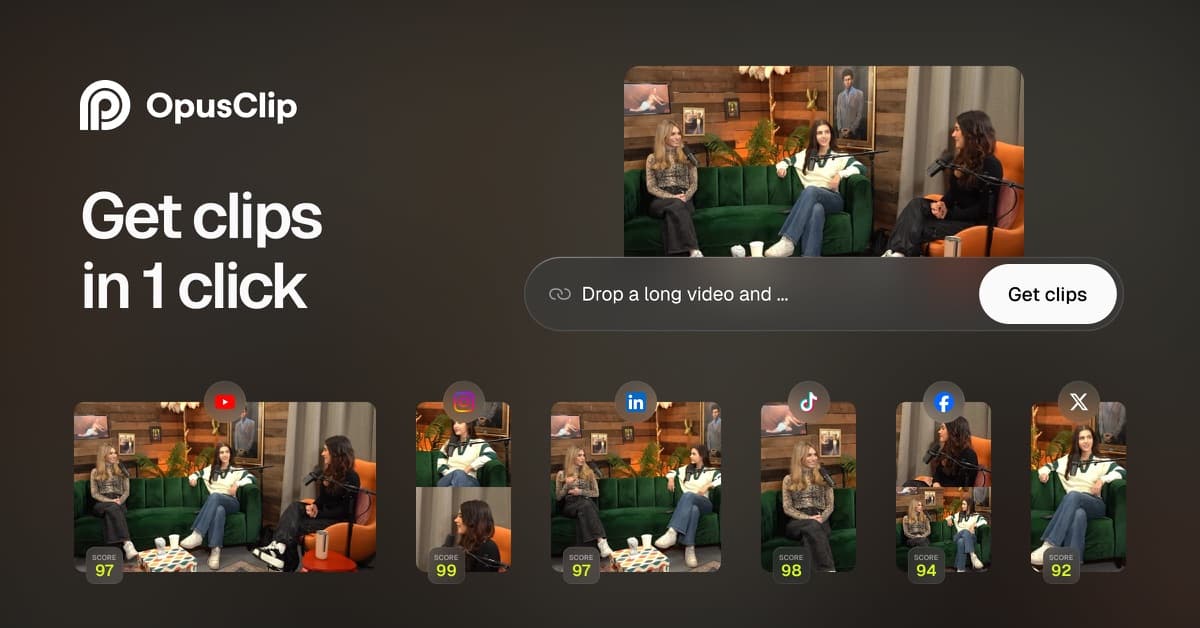
AI video clipper that cuts long videos into captioned, reframed short clips and posts them to social platforms.
AI video platform that creates generative, avatar and still-image videos in one workspace, with API and MCP access on paid plans.
AI surf coaching that analyzes your uploaded wave video and returns a narrated coaching video with labels, tips and progress tracking.