AI video generator that turns text, URLs and slide decks into narrated videos with AI avatars, voices and 75+ languages.
Freemium

AI video clipper that cuts long videos into captioned, reframed short clips and posts them to social platforms.
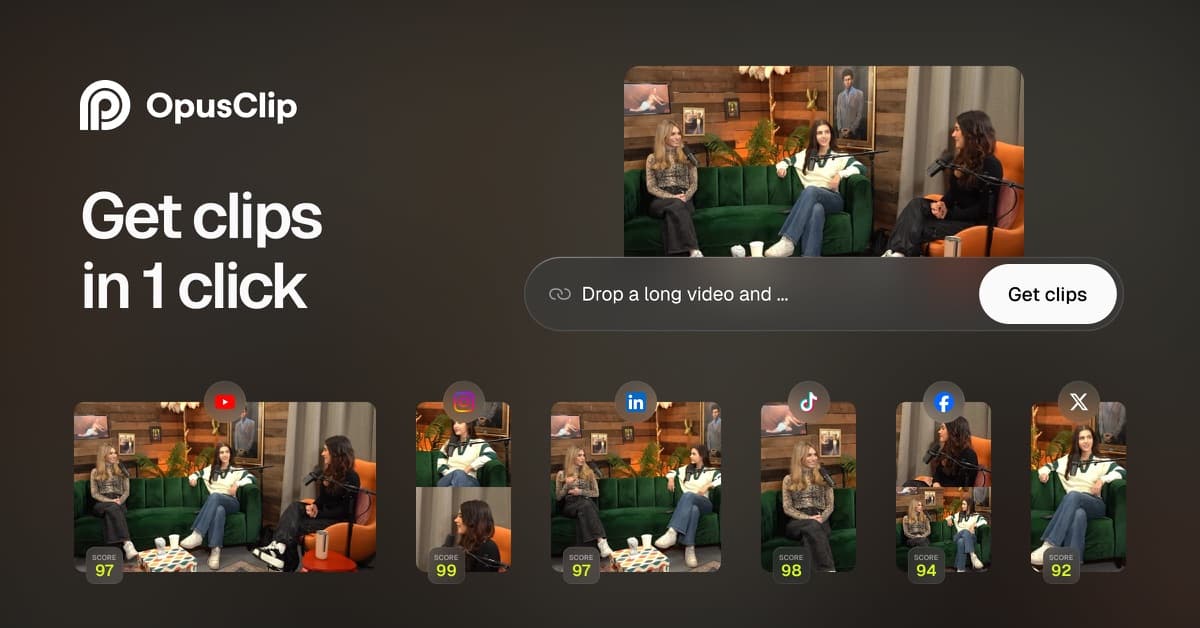
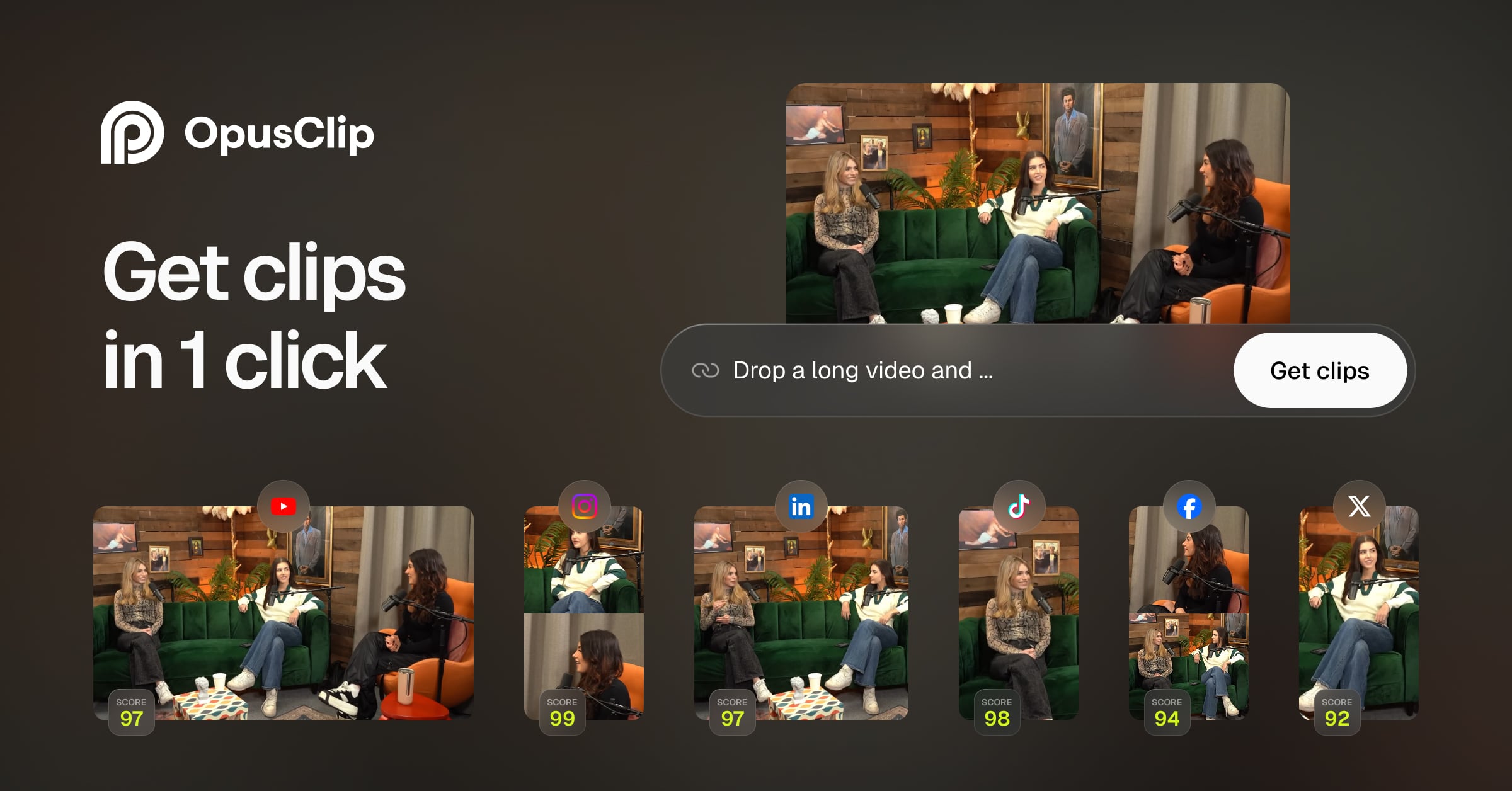
OpusClip is an AI video clipping tool that takes a long recording, such as a podcast, webinar or livestream, and produces short vertical clips for social media. You import a video from a file or a link, choose the time range and clip length, and the AI picks highlight moments, adds animated captions, reframes the footage and can add a virality score. Paid plans add B-roll, an editor with text and timeline editing, brand templates, exports to Adobe Premiere Pro and DaVinci Resolve, and posting or scheduling to platforms like YouTube, TikTok and Instagram. Usage is metered in credits, where one credit processes one minute of source video. Creators, marketers, agencies and podcasters use it to repurpose content without manual editing. OpusClip pricing starts with a Free plan at $0; Starter is $15/mo, Pro is $29/mo, and Business is custom. The free plan exports watermarked MP4 clips.
Yes, OpusClip has a free plan. Paid plans start at $15 per month, according to the official pricing page on .
Free
$0
Starter
$15/mo
Pro
$29/mo
Business
Custom
Plans as listed on the official pricing page on . Prices can change and may vary by country or exclude tax. Check the official pricing page.
The main OpusClip alternatives listed on Debuly are Descript, Kapwing, ClipSpeedAI, Montage, Ssemble and Wisecut. The table compares pricing and platforms; order is A–Z.
| Tool | Pricing | Starting price | Platforms |
|---|---|---|---|
| OpusClip | Freemium | $15/mo | Web |
| ClipSpeedAI | Free trial | $19/mo | Web, API |
| Descript | Freemium | $16/mo | Web |
| Kapwing | Freemium | $16/mo | Web |
| Montage | Freemium | — | Web |
| Ssemble | Paid | $6/mo | Web, API |
| Wisecut | Freemium | $33/mo | Web, API |

Turns long videos and podcasts into captioned vertical clips, with scheduling, an API, and AI video and image generation.

Video and podcast editor where you cut footage by editing its transcript, with AI for audio cleanup, clips, dubbing and avatars.

Browser-based video editor with auto subtitles, dubbing, Smart Cut and team workspaces, plus a free plan and per-member paid plans.

AI video repurposing for long recordings: scored clip candidates, sentence-level editing, branded captions and editor handoff.

AI video clipper that turns YouTube, Twitch or uploaded videos into captioned short clips and schedules them to TikTok, Shorts and Reels.

AI video editor that cuts long videos into captioned, reframed clips, takes plain-text edit requests and schedules posts to social channels.
Free is $0, Starter is $15/mo, Pro is $29/mo and Business is custom-priced. Pro is the only plan offered monthly or yearly, and yearly plans give credits at a 50% discount versus monthly.
Yes. The Free plan includes 60 processing minutes per month, AI captions with emoji and keyword highlights, YouTube and local file imports and one brand template. Exports are watermarked.
Free, Starter, Pro and Business. Starter gives 150 credits a month and posting to YouTube, TikTok and Instagram; Pro gives 300 credits per pack plus team workspaces and Premiere Pro export.
Processing costs 1 credit per minute of the original video you import, rounded to whole minutes. Posting to X costs 3 credits per clip per account. Paid users can buy top-up credits.
The help center says organizations needing an API, large volume or custom solutions should contact OpusClip about the Business plan. The pricing table lists Video Editing API and Scheduler API as Business-tier features.
Common alternatives for turning long videos into short clips include Descript, Vizard, Munch, Submagic and Kapwing.
Facts on this page come from the official sources below, each with the date we read it. Written by Debuly; the vendor did not review this page.
| Source | Type | Accessed |
|---|---|---|
| opus.pro/ | official | |
| opus.pro/pricing | pricing | |
| help.opus.pro/docs/article/plans-and-credits | pricing | |
| help.opus.pro/docs/article/how-are-credits-consumed | docs | |
| opus.pro/blog/introducing-opusclip-pro-plan-more-features-more-credits-same-price | official |
Spot an error? Report an issue with this listing. We also remove a logo or image on the owner's request.
AI video generator that turns text, URLs and slide decks into narrated videos with AI avatars, voices and 75+ languages.
AI video creation suite for Shorts, UGC-style videos and ads, with Seedance models, voiceovers and auto-captions
AI video creator that turns prompts, scripts and product photos into storyboarded videos with narration and consistent characters.
An AI creative platform offering text-to-image, image-to-image, text-to-video, image-to-video and image editing.