Arabic-first AI design platform for logos, greeting cards, photo-to-art and product images, on web, iOS and Android.
Freemium

AI UI design tool that turns text prompts, screenshots and sketches into editable wireframes, mockups and prototypes.

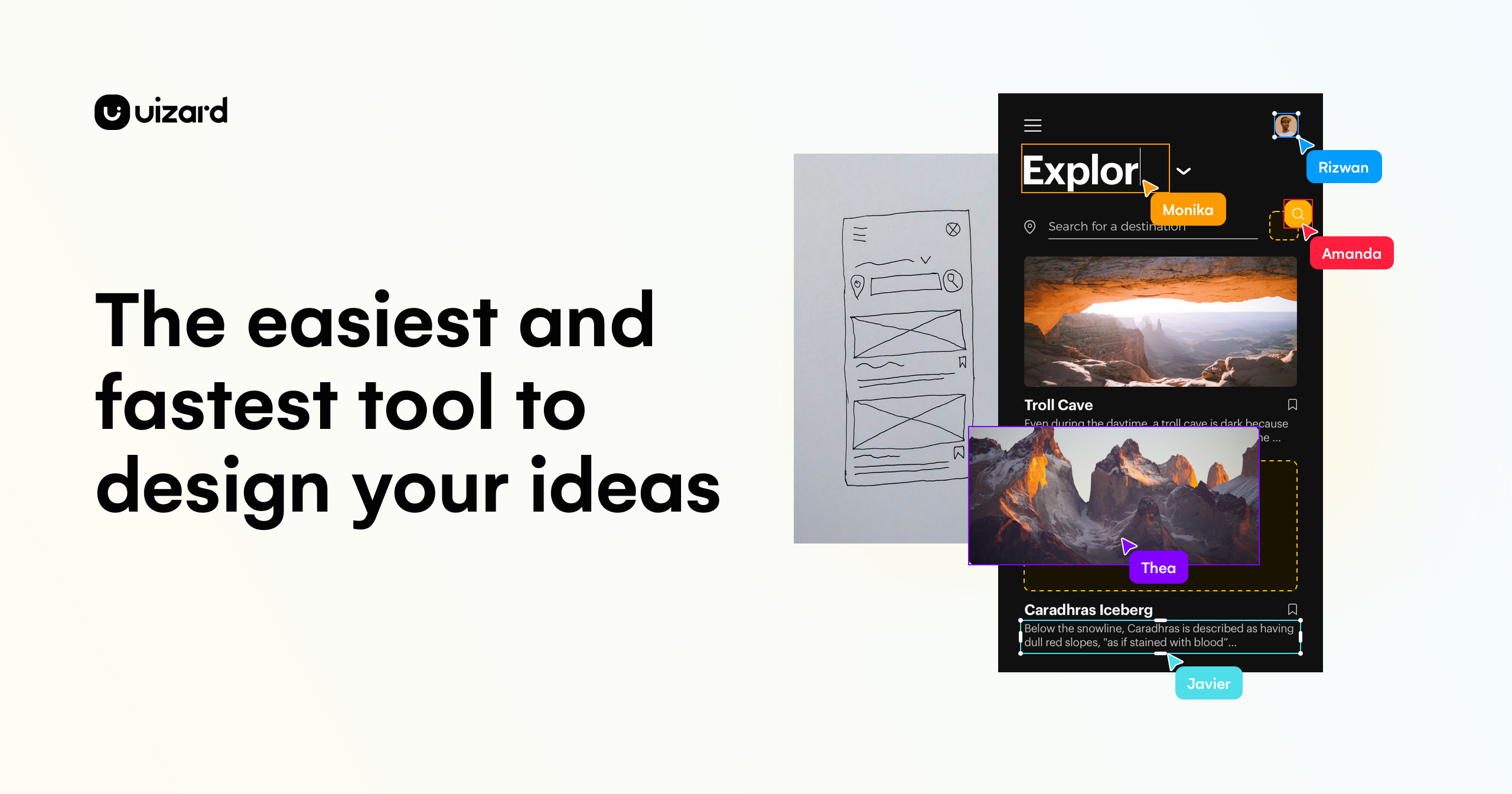
Uizard is a browser-based design tool that helps product teams go from an idea to a clickable prototype without starting on a blank canvas. Its Autodesigner generates multi-screen, editable designs from a text prompt, while the Screenshot Scanner and Wireframe Scanner convert existing screenshots or hand-drawn sketches into digital mockups. Other AI features include a Screen Generator, Theme Generator for brand kits, Image Generator, Text Assistant that replaces lorem ipsum, and Focus Predictor, which draws attention heatmaps. A drag-and-drop editor, real-time multiplayer collaboration, comments, shareable links and interactive prototypes cover review, and designs can be handed off as CSS or React code. Uizard has a Free plan with 2 projects and 3 AI generations a month, Pro at $12 per month per creator when billed annually ($19 billed monthly), Business at $39 per month per creator billed annually, and a custom Enterprise plan. Viewers are free and unlimited on every plan.
Yes, Uizard has a free plan. Paid plans start at $12 per month, according to the official pricing page on .
Free
$0
free for everyone
Pro
$12 per month
billed annually; $19 per creator billed monthly
Business
$39 per month
billed annually, per creator
Enterprise
Custom
billed annually, 15+ creators
Plans as listed on the official pricing page on . Prices can change and may vary by country or exclude tax. Check the official pricing page.
The main Uizard alternatives listed on Debuly are Framer, Canva, Gamma, Banani, Stitch with Google and Weave. The table compares pricing and platforms; order is A–Z.
| Tool | Pricing | Starting price | Platforms |
|---|---|---|---|
| Uizard | Freemium | $12/mo | Web |
| Banani | Freemium | $12/mo | Web |
| Canva | Freemium | $144/yr | Web, Mobile app |
| Framer | Freemium | $10/mo | Web |
| Gamma | Freemium | $9/mo | Web, API |
| Stitch with Google | Pricing unknown | — | Web |
| Weave | Pricing unknown | — | Figma plugin |

AI UI design tool that generates editable multi-screen app and web designs from prompts, images or PRDs.

Online design platform with templates, brand kits, team tools and built-in AI for graphics, presentations and video.

Website builder with a visual canvas, CMS, hosting, analytics and AI agents that generate designs, content and site changes.

AI presentation, document and website maker that builds a first draft from a prompt and edits it with an AI agent.

AI interface design tool that turns text prompts, sketches and mood descriptions into UI screens, Figma files and HTML/CSS code.

Figma plugin and service that turns product designs into production-grade code prototypes engineers can ship.
Free is $0, Pro is $12 per month billed annually or $19 per month billed monthly, and Business is $39 per month billed annually. Paid plans are charged per creator seat, and Enterprise is a custom solution.
Yes. The Free plan allows up to 2 projects, 5 screens per project and 3 AI generations a month, with unlimited free viewers and creators per organization.
Free, Pro, Business and Enterprise. Pro adds up to 100 projects and 500 AI generations per month, Business adds unlimited projects and 5,000 AI generations per month, and Enterprise adds custom limits with premium support.
Pricing is per creator seat, and creators are the teammates who edit projects. Pro can be billed monthly or yearly, Business only yearly, and seats added mid-cycle are charged pro rata.
Yes. Designs can be shared as interactive prototypes or handed off in CSS or React components, and exported as jpg, png or pdf.
Alternatives include Figma, Framer, Canva and Gamma, which cover design, prototyping or presentation work with differing levels of AI generation.
Facts on this page come from the official sources below, each with the date we read it. Written by Debuly; the vendor did not review this page.
| Source | Type | Accessed |
|---|---|---|
| uizard.io/ | official | |
| uizard.io/pricing/ | pricing | |
| support.uizard.io/en/collections/3490776-subscriptions-and-pricing | pricing | |
| support.uizard.io/en/articles/6249189-understanding-subscriptions | docs | |
| uizard.io/product/ | official |
Spot an error? Report an issue with this listing. We also remove a logo or image on the owner's request.
Arabic-first AI design platform for logos, greeting cards, photo-to-art and product images, on web, iOS and Android.
Turn reference images or text prompts into game-ready 3D models, in the browser or inside Unity and Unreal Engine.
Google Slides add-on that drafts whole decks from a prompt or document and edits your existing slides with AI.
Open-source AI presentation generator with a REST API, PPTX templates and private deployment for generating editable PowerPoint and PDF decks.