
Real estate virtual staging that furnishes listing photos in about 20 seconds, sold as one-time credit packs with no subscription.
Free trial

Website builder with a visual canvas, CMS, hosting, analytics and AI agents that generate designs, content and site changes.

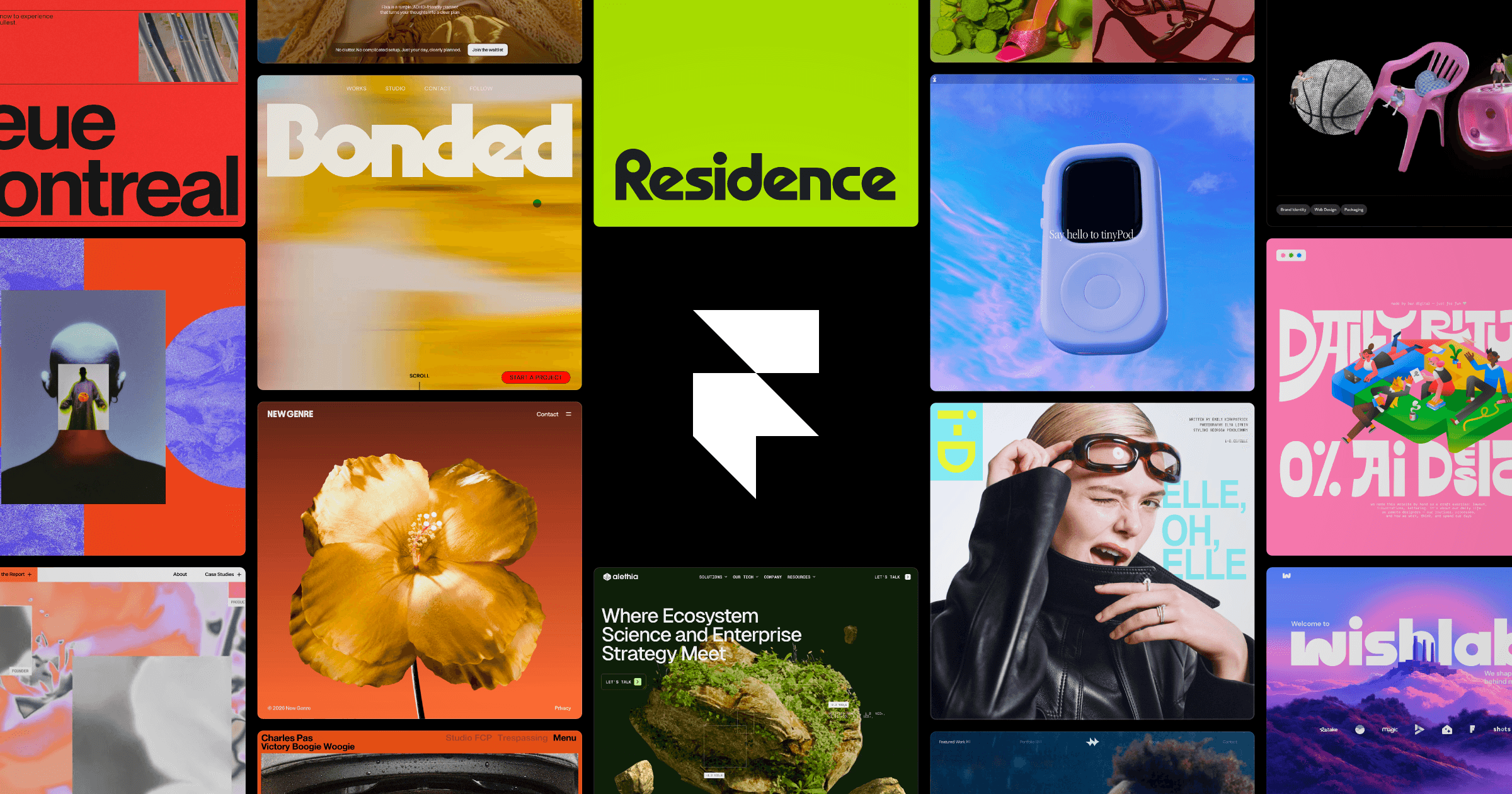
Framer is a website builder that puts design, content management, hosting and publishing in one workspace. You lay out pages on a visual canvas, store posts or listings in CMS collections, and publish to Framer's global CDN, with SEO settings, redirects, analytics and password protection built in. AI agents consume credits to generate and edit pages, and an MCP server lets outside AI tools connect to your project during its preview. Paid plans add a custom domain, staging, branching with previews, and add-ons for AI translation into up to 20 locales and for A/B testing. Teams collaborate with free viewers and per-seat editors. Pricing starts with a Free plan that includes 500 AI credits to try, then Basic at $10 per month and Pro at $30 per month, with custom Enterprise pricing for larger organizations.
Yes, Framer has a free plan. Paid plans start at $10 per month, according to the official pricing page on .
Free
$0
Basic
$10/month
billed per the cycle chosen at checkout
Pro
$30/month
billed per the cycle chosen at checkout
Enterprise
Custom
Plans as listed on the official pricing page on . Prices can change and may vary by country or exclude tax. Check the official pricing page.
The main Framer alternatives listed on Debuly are Lovable, TeleportHQ, Morphic, OpenDesign, Wegic and Gamma. The table compares pricing and platforms; order is A–Z.
| Tool | Pricing | Starting price | Platforms |
|---|---|---|---|
| Framer | Freemium | $10/mo | Web |
| Gamma | Freemium | $9/mo | Web, API |
| Lovable | Freemium | — | Web, API |
| Morphic | Paid | — | Web |
| OpenDesign | Freemium | $10/mo | macOS, Windows, Web, API |
| TeleportHQ | Free trial | $14/mo | Web |
| Wegic | Paid | $23.9/mo | Web |

AI presentation, document and website maker that builds a first draft from a prompt and edits it with an AI agent.

AI software engineer that builds websites and web apps from a chat conversation, with hosting, a backend and code you own.

AI website and brand platform that builds pages, content and materials from your company context, with expert help available.

Open-source, local-first design workspace where you and your coding agents build prototypes, websites, slides and graphics, with optional hosted credits.

Low-code website builder with an AI assistant, visual editor and clean code export to HTML, React, Next.js, Vue and Angular.

AI website builder where you chat to generate, edit and publish a site, with a built-in back end for forms and bookings.
Framer lists Free at $0, Basic at $10 per month and Pro at $30 per month, plus custom Enterprise pricing. Additional editors are $20 per month and Content Editors are $10 per month.
Yes. The Free plan includes 500 AI credits to try, a free Framer domain, 1 GB bandwidth, Design Pages and the MCP Server. Connecting a custom domain needs a paid plan.
The pricing page shows Free, Basic, Pro and Enterprise. Basic fits personal sites with 2 CMS collections and 50 GB bandwidth, while Pro adds 10 CMS collections, 100 GB bandwidth, staging and branching.
Agents, localization and other AI features consume credits that are shared across the workspace. The pricing page lists 1,000 credits per month on Basic and 3,000 per month on Pro, with the option to add credits.
Framer offers an MCP Server that connects external AI tools to your project, free during its preview on the listed plans. It also has a plugins section for developers.
Common alternatives include Webflow, Wix, Squarespace and WordPress. Framer's own compare pages also list Figma, Readymag and Unbounce. On Debuly, compare Lovable, TeleportHQ and Morphic.
Facts on this page come from the official sources below, each with the date we read it. Written by Debuly; the vendor did not review this page.
| Source | Type | Accessed |
|---|---|---|
| framer.com/ | official | |
| framer.com/pricing | pricing | |
| framer.com/help/articles/site-plans-explained/ | pricing | |
| framer.com/blog/pricing-update/ | pricing |
Spot an error? Report an issue with this listing. We also remove a logo or image on the owner's request.
Real estate virtual staging that furnishes listing photos in about 20 seconds, sold as one-time credit packs with no subscription.
Arabic-first AI design platform for logos, greeting cards, photo-to-art and product images, on web, iOS and Android.
Creative suite of AI agents for brand identity, images, video, audio and slides, with a private chat-based agent.
AI design agent that reads engineering drawings and produces editable CAD in the browser.