
AI data analyst that connects to your SQL database, answers questions in plain language, and turns the results into charts, dashboards and reports.
Free trial

AI calendar assistant that plans focus time, habits, tasks and meetings around your Google or Outlook calendar.
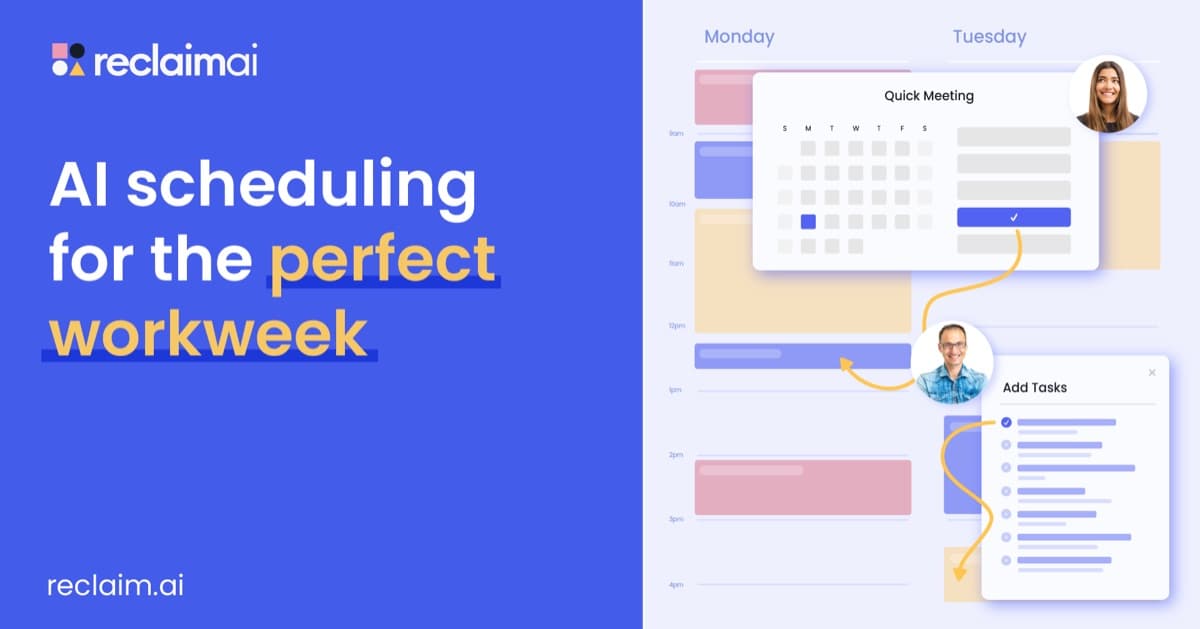
Reclaim.ai is an AI calendar assistant that plans, protects and adapts your time. It combines a full calendar view, a chat-based AI assistant and background agents for habits, buffers, focus time, smart meetings and meeting quality. A preview mode lets you stage calendar changes before they go live. Connecting project tools pulls tasks into your schedule and tracks time, while scheduling links offer booking pages that follow your priorities and insights show how time is spent. Reclaim works with Google Calendar and Outlook and can be used from other AI tools through MCP. The Lite plan is free for a single user. Starter costs $10 per seat per month on annual billing for teams of up to 10 seats, Business costs $15 for up to 100 seats, and Enterprise costs $22 for more than 100 seats.
Yes, Reclaim.ai has a free plan. Paid plans start at $10 per month, according to the official pricing page on .
Lite
$0
free forever
Starter
$10/seat/month
billed yearly; $12 monthly
Business
$15/seat/month
billed yearly; $18 monthly
Enterprise
$22/seat/month
annual only, over 100 seats
Plans as listed on the official pricing page on . Prices can change and may vary by country or exclude tax. Check the official pricing page.
The main Reclaim.ai alternatives listed on Debuly are Myca AI, Todoist, warpSpeed, Blockit, Cogram and Embra. The table compares pricing and platforms; order is A–Z.
| Tool | Pricing | Starting price | Platforms |
|---|---|---|---|
| Reclaim.ai | Freemium | $10/mo | Web |
| Blockit | Freemium | $83/mo | Web |
| Cogram | Free trial | $79/mo | Web |
| Embra | Pricing unknown | — | macOS, Web |
| Myca AI | Pricing unknown | — | Web, iOS, Android |
| Todoist | Freemium | $7/mo | — |
| warpSpeed | Free trial | $9/mo | iOS, Android |

AI scheduling agent that handles meeting back-and-forth over email and Slack across your calendars.

AI project assistant for architects and engineers that writes meeting minutes, files emails, tracks RFIs and drafts field reports.
AI workspace for sales and product teams that takes meeting notes, drafts follow-ups and runs agents on a shared memory.

AI productivity app that links your goals to daily tasks, tracks progress and prompts reflection and habit rituals.

Task manager and to-do list app with Beginner, Pro and Business plans, reminders, calendar layout and AI assist features.

Mobile AI assistant that combines email, calendar, tasks, notes, contacts and chat, triaging mail and drafting replies for you.
Lite is free. Starter is $10 per seat per month on annual billing or $12 monthly, Business is $15 or $18, and Enterprise is $22 per seat per month, billed annually.
Yes. Lite is free forever for a single user and includes Focus Time, Habits, Buffer Time, Smart Meetings and Meeting Quality with limits such as 1 Scheduling Link and a 1 week range.
Lite, Starter, Business and Enterprise. Starter is for up to 10 seats, Business for up to 100 seats and Enterprise for more than 100 seats with SSO and SCIM.
Yes. It supports Google Calendar and Outlook Calendar and can connect multiple calendars.
Yes. Paid plans connect to tools including Asana, ClickUp, Jira, Linear and Todoist, and Google Tasks.
Facts on this page come from the official sources below, each with the date we read it. Written by Debuly; the vendor did not review this page.
Spot an error? Report an issue with this listing. We also remove a logo or image on the owner's request.
AI data analyst that connects to your SQL database, answers questions in plain language, and turns the results into charts, dashboards and reports.
Mac and Windows app that names people in photos with facial recognition and fills IPTC captions and keywords using AI.
Gmail AI assistant that learns from your past emails and leaves ready-to-review draft replies in your inbox, without a Chrome extension.
Agent-native CRM that records meetings, syncs email and keeps account records updated automatically.