Desktop app for running AI coding agents, terminals and chat threads in one window, with voice dictation and a plugin catalog.
Paid

GitHub's AI coding assistant for code completion, chat and agents in VS Code, JetBrains, Visual Studio, the CLI and GitHub.com.

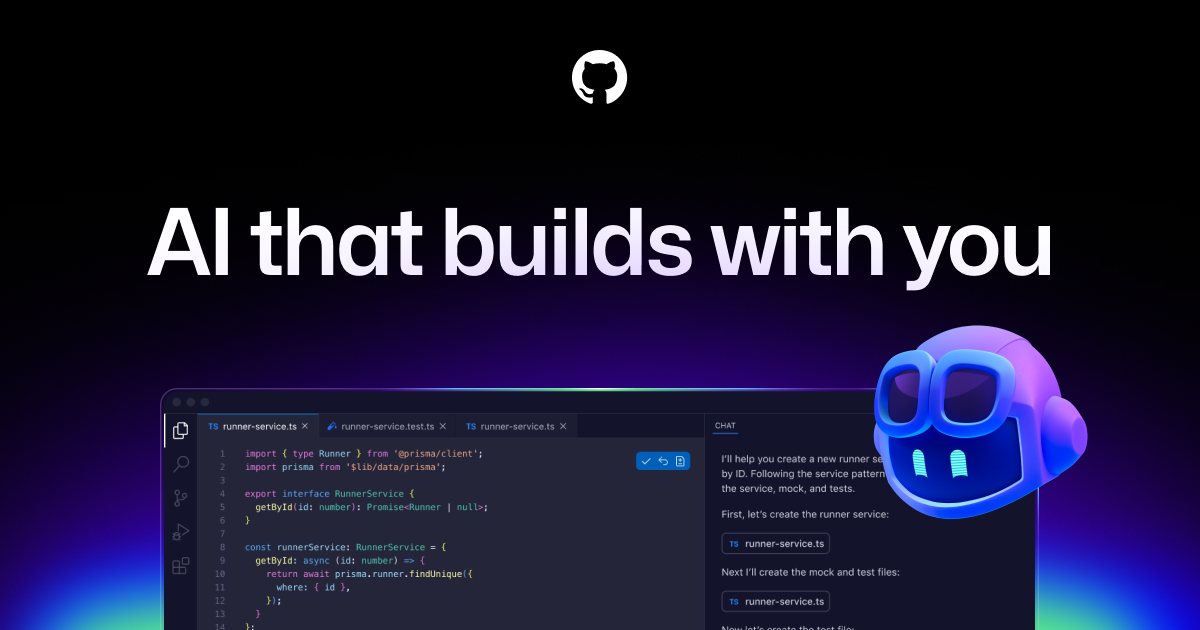
GitHub Copilot suggests code as you type, answers questions in chat and can work as an agent that edits files in your editor or completes tasks in the background and opens pull requests. It also reviews pull requests and lets you pick from several language models. Individuals can start on a free plan with monthly limits, and Business and Enterprise plans add policy controls and license management.
Yes, GitHub Copilot has a free plan. Paid plans start at $10 per month, according to the official pricing page on .
Prices can change and may vary by country or exclude tax. Check the official pricing page.
The main GitHub Copilot alternatives listed on Debuly are Cursor, Claude Code, Qoder, Cline, firstmate and GitHub MCP Server. The table compares pricing and platforms; order is A–Z.
| Tool | Pricing | Starting price | Platforms |
|---|---|---|---|
| GitHub Copilot | Freemium | $10/mo | — |
| Claude Code | Paid | — | macOS, Linux, Windows, Web |
| Cline | Open source | $9.99/mo | VS Code, JetBrains, CLI, macOS |
| Cursor | Freemium | $8/mo | CLI, iOS, Web, API |
| firstmate | Open source | — | CLI |
| GitHub MCP Server | Open source | — | API, CLI, Self-hosted, Web |
| Qoder | Freemium | $10/mo | Web, CLI, JetBrains plugin |

Anthropic's coding agent that fixes bugs, writes tests and runs migrations from your terminal, IDE, desktop app, web or Slack.

Open-source AI coding agent for VS Code, JetBrains, the terminal and desktop that edits files and runs commands with your approval.

AI code editor and coding agent with cloud agents, Bugbot code review and multi-provider models, sold with Grok and X plans.
Open-source agent distro: chat with one lead agent that spawns and supervises a crew of coding agents in separate git worktrees.

GitHub's official MCP server that lets AI assistants read repos, manage issues and pull requests, and watch Actions runs in plain language.

An agentic coding platform with a desktop app, IDE, JetBrains plugin, CLI and mobile app, sold on credit-based plans.
GitHub Copilot uses a freemium model. The free plan has monthly limits, including 2,000 inline suggestions per month, and paid plans start at $10 per month as of 2026-10-23.
It is listed for developers, students, open source maintainers, engineering teams and enterprises.
It autocompletes code, explains unfamiliar code, delegates an issue to a coding agent, reviews pull requests and generates tests and documentation.
The free plan is capped at 2,000 inline suggestions per month and excludes the cloud agent and code review. Usage beyond monthly included credits requires purchasing more.
Alternatives include Cursor, Windsurf, Claude Code and Tabnine. They differ in whether they are editors, extensions or terminal agents.
Facts on this page come from the official sources below, each with the date we read it. Written by Debuly; the vendor did not review this page.
| Source | Type | Accessed |
|---|---|---|
| github.com/features/copilot | official | |
| github.com/features/copilot/plans | pricing |
Spot an error? Report an issue with this listing. We also remove a logo or image on the owner's request.
Desktop app for running AI coding agents, terminals and chat threads in one window, with voice dictation and a plugin catalog.
Open-source agent runtime and cloud that runs coding and task agents in your terminal, CI, editor or on managed machines with any model.
Open-source meta-harness that runs Claude Code, Codex, Pi and custom agents behind one interface with policies and sandboxes.
Open-source AI agent that describes, reviews and suggests improvements on pull requests across GitHub, GitLab and more.