Privacy-first AI data analyst that turns plain-language questions into SQL, charts and answers from your databases.
Contact sales

AI study platform that turns PDFs, slides, lectures and notes into flashcards, quizzes, practice tests and a personal AI tutor.
StudyFetch is an AI study platform built around the materials you already have. You upload a lecture PDF, slides, a recorded class, a YouTube link or typed notes, and it produces notes, spaced-repetition flashcards, quizzes, practice tests, study guides, audio recaps, explainer videos and study games from the same set. Sparky, its AI tutor, answers questions about your material and explains concepts step by step, and a study plan orders the topics, tracks what you have covered and offers a cram mode before an exam. You can also record a live lecture and get notes as it happens. Generated study tools come with citations back to your files. StudyFetch runs on web, iOS and Android, and starting is free; paid plans unlock more generations and longer files, but plan prices are not published on its study tools page, so check the vendor's site.
Yes, StudyFetch has a free plan.
Prices can change and may vary by country or exclude tax. Check the official pricing page.
The main StudyFetch alternatives listed on Debuly are Studdy, YouLearn, Notova, Turbo AI, Mindgrasp and AnkiDecks. The table compares pricing and platforms; order is A–Z.
| Tool | Pricing | Starting price | Platforms |
|---|---|---|---|
| StudyFetch | Freemium | — | Web, iOS, Android |
| AnkiDecks | Freemium | $5/mo | Web, Progressive Web App |
| Mindgrasp | Free trial | $5.99/mo | Web, iOS, Chrome extension |
| Notova | Freemium | — | Web |
| Studdy | Free trial | — | Web, Mobile app |
| Turbo AI | Freemium | $10/mo | Web, iOS |
| YouLearn | Freemium | $15/mo | Web, iOS, Android |

AI flashcard generator that turns PDFs, slides, YouTube videos and notes into Anki decks you can study or export.

AI study tool that turns lectures, documents, videos and links into notes, summaries, flashcards and quizzes.

AI study platform that turns lectures, PDFs and notes into flashcards, quizzes, summaries and tutoring.

AI whiteboard tutor that teaches from your own notes, slides and homework with step-by-step explanations and practice questions.

AI note taker and study tool that turns lectures, PDFs and videos into editable notes, flashcards, quizzes and podcasts.

AI study tutor that turns PDFs, slides, lectures and YouTube videos into notes, flashcards, quizzes and practice tests.
Getting started is free. The vendor says paid plans unlock more generations and longer files, but it does not publish prices on the study tools page, so check studyfetch.com for the current plans.
Yes, you can create an account, upload materials and try the study tools for free. Higher usage and longer files require a paid plan.
PDFs, slides, documents, lecture recordings, images of notes, YouTube links or notes you paste. You can also type a topic and let it find information and build study tools.
Yes. StudyFetch is available on the web, iOS and Android, and your study materials sync across devices.
The vendor positions it as built only for studying: it keeps your materials in one place and converts them into flashcards, quizzes, practice tests, recaps and games instead of general chat.
Other AI study tools include Quizlet, NotebookLM, Anki, Knowt, Brainly and Studdy. They differ in how they build cards and tests from your material.
Facts on this page come from the official sources below, each with the date we read it. Written by Debuly; the vendor did not review this page.
| Source | Type | Accessed |
|---|---|---|
| studyfetch.com/ | official | |
| studyfetch.com/tools | official | |
| studyfetch.com/enterprise/support | official |
Spot an error? Report an issue with this listing. We also remove a logo or image on the owner's request.
Privacy-first AI data analyst that turns plain-language questions into SQL, charts and answers from your databases.
Workflow analysis platform that mines process, task and conversation data to rank where AI or process change would pay off.
AI study tool that turns lectures, documents, videos and links into notes, summaries, flashcards and quizzes.
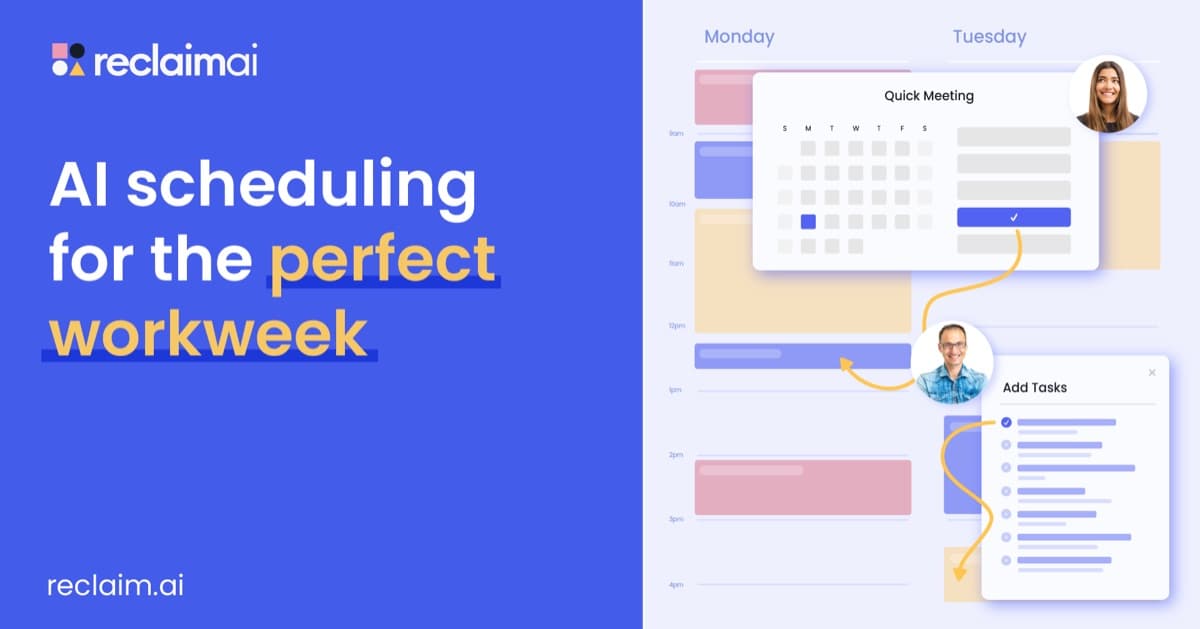
AI calendar assistant that plans focus time, habits, tasks and meetings around your Google or Outlook calendar.