
Any3D is an AI 3D model generator that turns text prompts or images into downloadable GLB models.
Freemium

AI presentation maker with auto-formatting Smart Slides, brand themes and team collaboration, with a 14-day free trial.
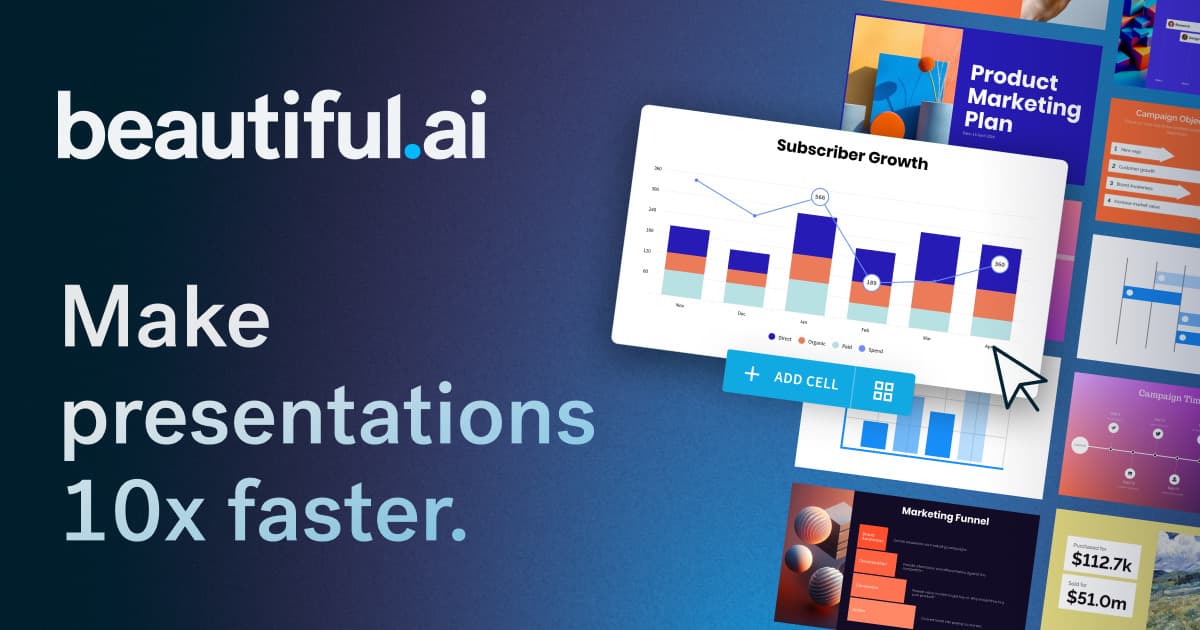
Beautiful.ai is a presentation tool that builds slide decks with AI and keeps them tidy through Smart Slide layouts that reformat automatically as you edit. Every seat includes unlimited AI content generation, AI image generation, an AI writing assistant, translation, over 300 Smart Slide layouts, dynamic data visualizations, and PowerPoint import and export. You can feed the AI extra context from files or links and apply custom brand styling through a theme builder for colors, fonts and logos. The Teams plan adds real-time collaborative editing, a shared slide, template and asset library, version control with locked slides, live data linking to charts and tables, and viewer analytics, and decks can be created in more than 100 languages. Enterprise adds single sign-on, SCIM provisioning and audit logs. No permanent free plan exists; instead, Pro and Team offer a 14-day free trial, and a credit card is required to begin it. Pro costs $14.50 per month billed annually, and Teams is $40 per user per month billed annually.
Beautiful.ai has no free plan, but it offers a free trial. Paid plans start at $14.5 per month, according to the official pricing page on .
Pro
$14.50 /mo
Billed annually
Teams
$40 per user/month
Billed annually; $50 billed monthly
Enterprise
Custom
Plans as listed on the official pricing page on . Prices can change and may vary by country or exclude tax. Check the official pricing page.
The main Beautiful.ai alternatives listed on Debuly are Gamma, Canva, Plus AI, Presentations.AI, SlidesAI and Plus AI for Google Slides. The table compares pricing and platforms; order is A–Z.
| Tool | Pricing | Starting price | Platforms |
|---|---|---|---|
| Beautiful.ai | Free trial | $14.5/mo | Web |
| Canva | Freemium | $144/yr | Web, Mobile app |
| Gamma | Freemium | $9/mo | Web, API |
| Plus AI | Free trial | $10/mo | PowerPoint, Google Slides, API, MCP |
| Plus AI for Google Slides | Free trial | $10/mo | Web, Google Slides add-on |
| Presentations.AI | Freemium | $20/mo | Web |
| SlidesAI | Freemium | $10/mo | Web, Google Slides add-on, PowerPoint add-in, ChatGPT |

Online design platform with templates, brand kits, team tools and built-in AI for graphics, presentations and video.

AI presentation, document and website maker that builds a first draft from a prompt and edits it with an AI agent.

AI presentation maker that works inside PowerPoint and Google Slides to generate, rewrite and brand slide decks, with an MCP server and API.

Google Slides add-on that drafts whole decks from a prompt or document and edits your existing slides with AI.

AI presentation maker that turns a prompt, document or URL into an editable, on-brand slide deck with PowerPoint export.

AI presentation maker that builds slides from prompts, notes, PDFs and documents in Google Slides, PowerPoint, ChatGPT or the web.
Pro costs $14.50 a month for individuals on annual billing. Teams costs $40 per user monthly on annual billing, or $50 with monthly billing. Enterprise pricing is custom, and you can buy a single presentation for $45.
No permanent free plan exists. Pro and Team each include a 14-day free trial that requires a credit card, and you are charged in full unless you cancel before the trial ends.
Pro for individuals, Teams for 2 to 20 seats, an SMB plan with flat rates for smaller teams, and Enterprise with SSO, SCIM and priority support.
Yes. Every seat includes PowerPoint import and export.
It offers a Slack integration on the Pro tier, and PowerPoint import and export. Enterprise plans add single sign-on and user provisioning.
Common alternatives include Gamma, Canva, Pitch, Microsoft PowerPoint with Copilot and Plus AI.
Facts on this page come from the official sources below, each with the date we read it. Written by Debuly; the vendor did not review this page.
| Source | Type | Accessed |
|---|---|---|
| beautiful.ai/ | official | |
| beautiful.ai/pricing | pricing | |
| beautiful.ai/planpricing | pricing | |
| beautiful.ai/pricing-plans | pricing | |
| support.beautiful.ai/hc/en-us/sections/360004493671-Pro-Tier-Features | docs |
Spot an error? Report an issue with this listing. We also remove a logo or image on the owner's request.
Any3D is an AI 3D model generator that turns text prompts or images into downloadable GLB models.
Online design platform with templates, brand kits, team tools and built-in AI for graphics, presentations and video.
AI design agent that reads engineering drawings and produces editable CAD in the browser.
Veeso AI turns pasted text into editable presentations, social posts, brochures and other designs, with a free plan and credit-based paid tiers.