Voice AI platform with Sonic text-to-speech, Ink speech-to-text and managed voice agents, priced by credits and minutes.
Freemium

Text-to-speech and voice AI app that reads PDFs, web pages and documents aloud, with dictation, AI summaries and AI podcasts.

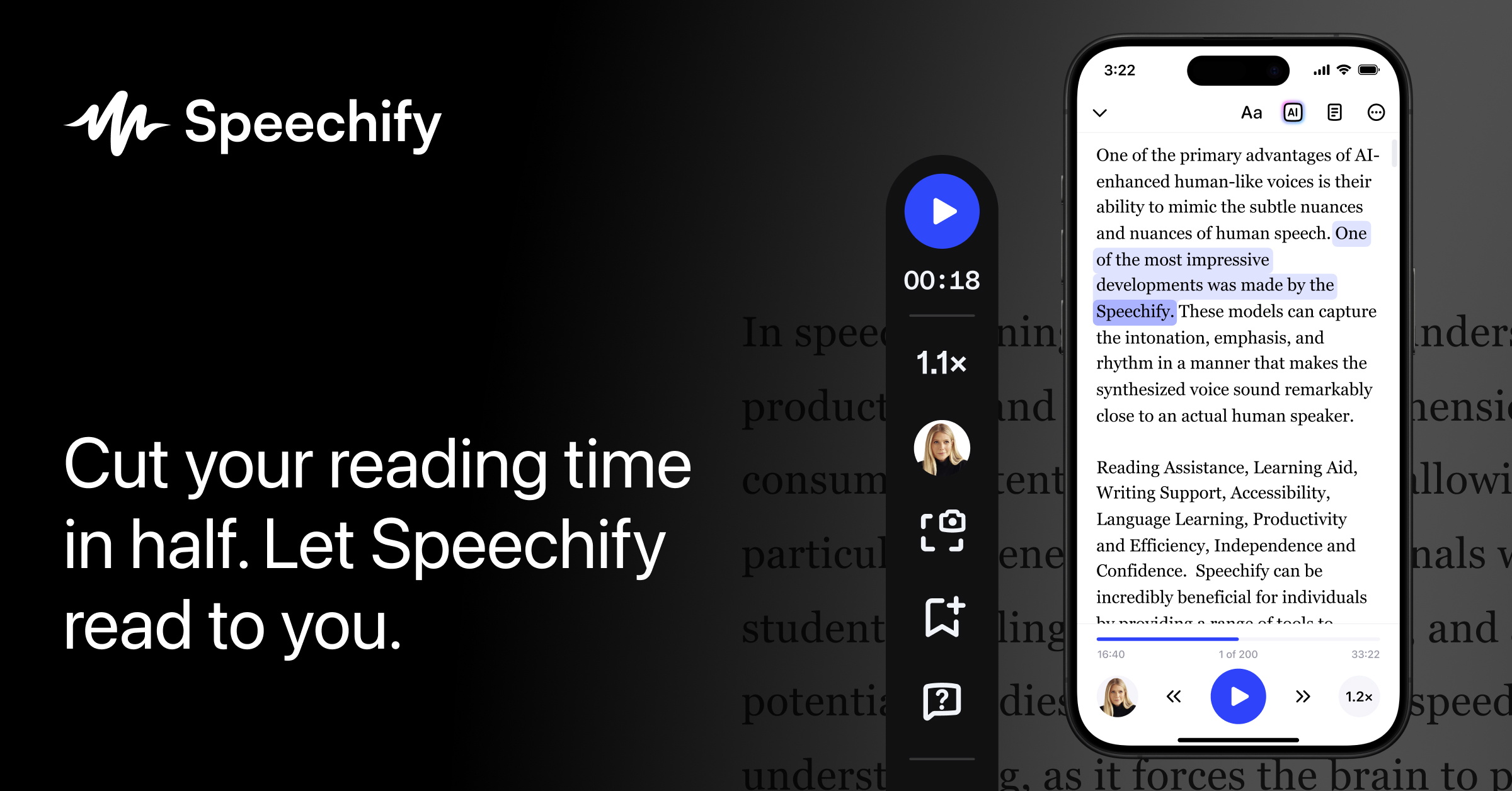
Speechify is a text-to-speech app that reads documents, PDFs, web pages, emails and scanned pages aloud so you can listen instead of read. It was created to help people with dyslexia and is now used by students, professionals and anyone who prefers audio. On the free plan you get text-to-speech using 10 basic voices, with playback up to 1.5x. Premium unlocks more than 1,000 natural voices in over 60 languages, listening at up to 4.5x, Scan & Listen for printed pages, AI summaries and chat about what you are reading, and connections to Google Drive, Dropbox and Microsoft OneDrive. Premium also includes Voice Typing for dictation, AI Podcasts and a Voice AI Assistant that you can speak with about a website or book. One account works across iPhone and iPad, Android, Mac, Windows, a Chrome extension and the web app, and an API lets developers add text to speech to their own products. Premium is priced at $139 per year (roughly $11.58 per month), or $29 per month if you pay monthly on speechify.com.
Yes, Speechify has a free plan. Paid plans start at $139 per year, according to the official pricing page on .
Free
$0
Premium
$29/month
or $139/year (about $11.58 a month)
Plans as listed on the official pricing page on . Prices can change and may vary by country or exclude tax. Check the official pricing page.
The main Speechify alternatives listed on Debuly are ElevenLabs, Hume AI, LOVO AI, Audify AI, AudioCraft and CAMB.AI. The table compares pricing and platforms; order is A–Z.
| Tool | Pricing | Starting price | Platforms |
|---|---|---|---|
| Speechify | Freemium | $139/yr | iOS, Android, macOS, Windows |
| Audify AI | Freemium | $0.01, usage-based | Web |
| AudioCraft | Pricing unknown | — | Web |
| CAMB.AI | Freemium | $5/mo | Web, API |
| ElevenLabs | Freemium | $6/mo | Web, API |
| Hume AI | Freemium | — | Web, API |
| LOVO AI | Freemium | — | Web |

Browser-based text-to-speech converter with pay-as-you-go pricing, 3 free conversions and a free mode if you bring an OpenAI key.

Meta AI research code base for text-to-music (MusicGen), text-to-sound (AudioGen) and EnCodec neural audio compression.

AI dubbing, text-to-speech, translation and voice cloning across 140+ languages, with a studio app and developer API.

AI audio platform for text to speech, voice cloning, dubbing, transcription, music and conversational voice agents, via app or API.

Expressive text-to-speech and empathic voice agent APIs that let developers direct emotion, tone and pacing in generated speech.
LOVO AI is an AI voice generator for voice overs and videos, sold as Genny with monthly voice-hour plans.
Premium costs $139 per year, roughly $11.58 per month, when billed annually. Paying monthly on speechify.com costs $29. Prices in the app stores can differ slightly.
Yes. The free plan never expires and does not ask for a credit card. It offers 10 basic voices, playback up to 1.5x and only the text-to-speech features.
Premium unlocks over 1,000 natural voices in more than 60 languages, listening up to 4.5x, Scan & Listen, AI summaries and chat, and links to cloud storage. It also includes the Voice AI Assistant, Voice Typing and AI Podcasts.
One account works on iPhone and iPad, Android, Mac, Windows, the Chrome extension and the web app. All apps are free to download.
Yes. The vendor describes an API that lets developers add text to speech to their own mobile apps and websites.
It is used by students, professionals and people with dyslexia or ADHD who find listening easier than reading.
Alternatives include NaturalReader, ElevenLabs Reader, Murf, Balabolka and Microsoft Edge Read Aloud.
Facts on this page come from the official sources below, each with the date we read it. Written by Debuly; the vendor did not review this page.
| Source | Type | Accessed |
|---|---|---|
| speechify.com/ | official | |
| speechify.com/pricing/ | pricing | |
| speechify.com/speechify-free-vs-premium/ | official | |
| speechify.com/blog/is-speechify-no-longer-free/ | official | |
| speechify.com/blog/is-speechify-free-to-use/ | official | |
| speechify.com/blog/how-much-does-speechify-cost/ | pricing |
Spot an error? Report an issue with this listing. We also remove a logo or image on the owner's request.
Voice AI platform with Sonic text-to-speech, Ink speech-to-text and managed voice agents, priced by credits and minutes.
Expressive text-to-speech and empathic voice agent APIs that let developers direct emotion, tone and pacing in generated speech.
Online AI music studio that generates songs and lyrics, makes AI covers, separates vocals and stems, and turns tracks into karaoke or sheet music.
AI podcast editor that finds ums, ahs and long silences in your audio and can mix and master it in one click.