Browser-based AI image tools for removing backgrounds, erasing objects, upscaling, relighting photos and generating pictures from text.
Freemium

Adobe's generative AI app for creating and editing images, video, audio and vectors, with Adobe and partner models.
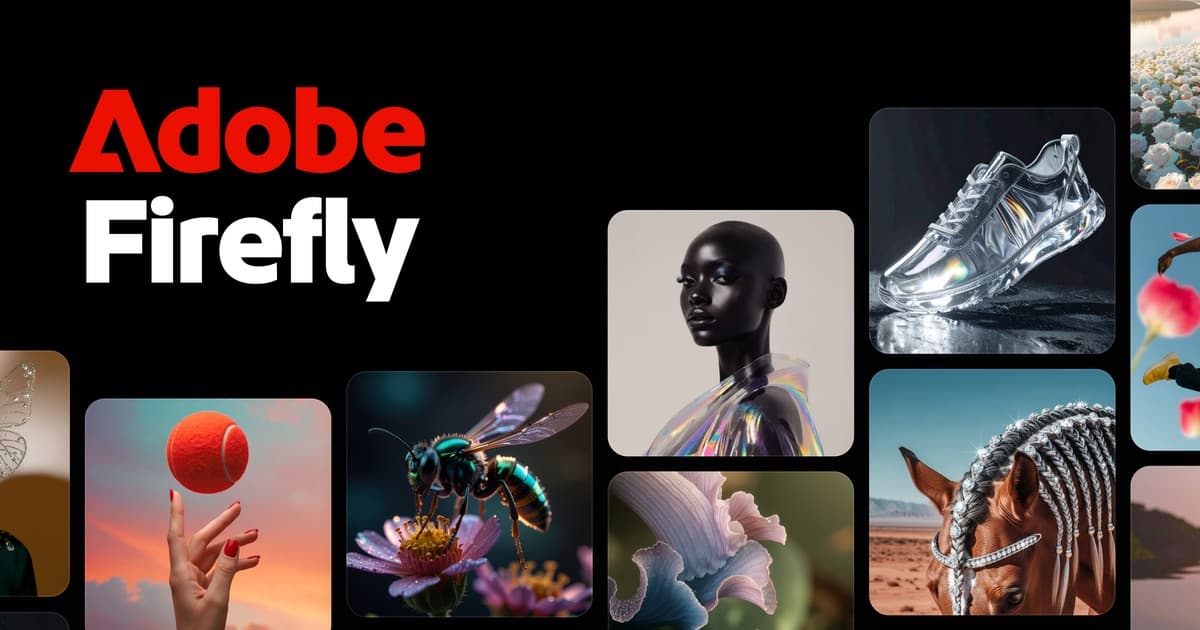
Adobe Firefly is a generative AI app and set of features inside Adobe Creative Cloud for making images, video, audio and vector graphics from text prompts and reference files. In the Firefly app you can generate images, fill, remove and expand parts of a picture, turn text into vectors, produce short videos from text or still images, create sound effects and speech, and translate audio or video into more than 20 languages. Firefly Boards offers an AI-first moodboard canvas, and a video editor in beta handles timelines, captions and transcript-based edits. You can choose Adobe's own Firefly models or partner models from providers such as Google, OpenAI, FLUX, Ideogram and Runway. Adobe says its content is designed to be commercially safe and is not used to train models. Standard generations use one credit, premium features like video use more, and plans differ by individual, education and business, so check Adobe's plans page for current prices. Enterprise customers get Style Kits and Creative Production workflows.
Yes, Adobe Firefly has a free plan. Paid plans start at $9.99 per month, according to the official pricing page on .
Prices can change and may vary by country or exclude tax. Check the official pricing page.
The main Adobe Firefly alternatives listed on Debuly are Midjourney, Runway, Ideogram, Magnific, Aurea and Dreamina. The table compares pricing and platforms; order is A–Z.
| Tool | Pricing | Starting price | Platforms |
|---|---|---|---|
| Adobe Firefly | Freemium | $9.99/mo | Web, API |
| Aurea | Paid | €8/mo | Web |
| Dreamina | Freemium | $15/mo | Web |
| Ideogram | Freemium | $15/mo | Web, API |
| Magnific | Freemium | $14.5/mo | Web, Desktop app, Mobile app, API |
| Midjourney | Paid | $10/mo | Web, Discord, iOS, Android |
| Runway | Freemium | $12/mo | Web, API |

AI creative suite for generating images, video, audio and 3D worlds with pro-grade editing and export.

CapCut's AI image and video generator with Seedance and Seedream models, a free option, and credit-based Basic to Advanced plans.

AI image and video generator known for readable text in images, with editing tools, batch generation, an API and credit-based plans.
Creative platform for AI image, video and audio generation, upscaling and stock content, formerly known as Freepik.

AI image and video generator that turns text prompts into artwork, sold as monthly or annual subscriptions with no free plan.

AI video, image and audio workspace with Gen-4.5 and partner models, credit-based plans from $12/month and a developer API.
Adobe offers individual, education and business plans, and Creative Cloud Pro includes unlimited standard generations. Specific prices are not listed here, so see Adobe's plans page for current pricing.
Adobe notes that Creative Cloud plans include a limited number of free generations for premium features. A standalone free tier is not confirmed, so check Adobe's plans page.
Adobe lists individual, education and business plans, plus Firefly add-on plans for extra generative credits, and Pro, Pro Plus and Premium options for small business teams.
Designers, marketers, video creators and business teams who want generative AI within an Adobe workflow, plus enterprises needing bulk production tools.
Adobe documents a Dynamic Graphics Render API, a Reframe API and a Run-Workflow MCP for Creative Production for Enterprise.
Yes. Firefly includes partner models for images and video, such as GPT Image, Imagen, FLUX, Ideogram, Runway, Kling and Veo, and they use more credits.
Alternatives include Midjourney, DALL-E, Stable Diffusion, Canva Magic Studio and Runway.
Facts on this page come from the official sources below, each with the date we read it. Written by Debuly; the vendor did not review this page.
Spot an error? Report an issue with this listing. We also remove a logo or image on the owner's request.
Browser-based AI image tools for removing backgrounds, erasing objects, upscaling, relighting photos and generating pictures from text.
AI coloring page generator that turns a text prompt or photo into printable line art, plus a colorizer for sketches and photos.
AI image generator and editor that plans a layout before rendering, so you can create 4K images and change them by asking.
AI interior design tool that redesigns a photo of your room in different styles, sold as pay-per-use credits.